

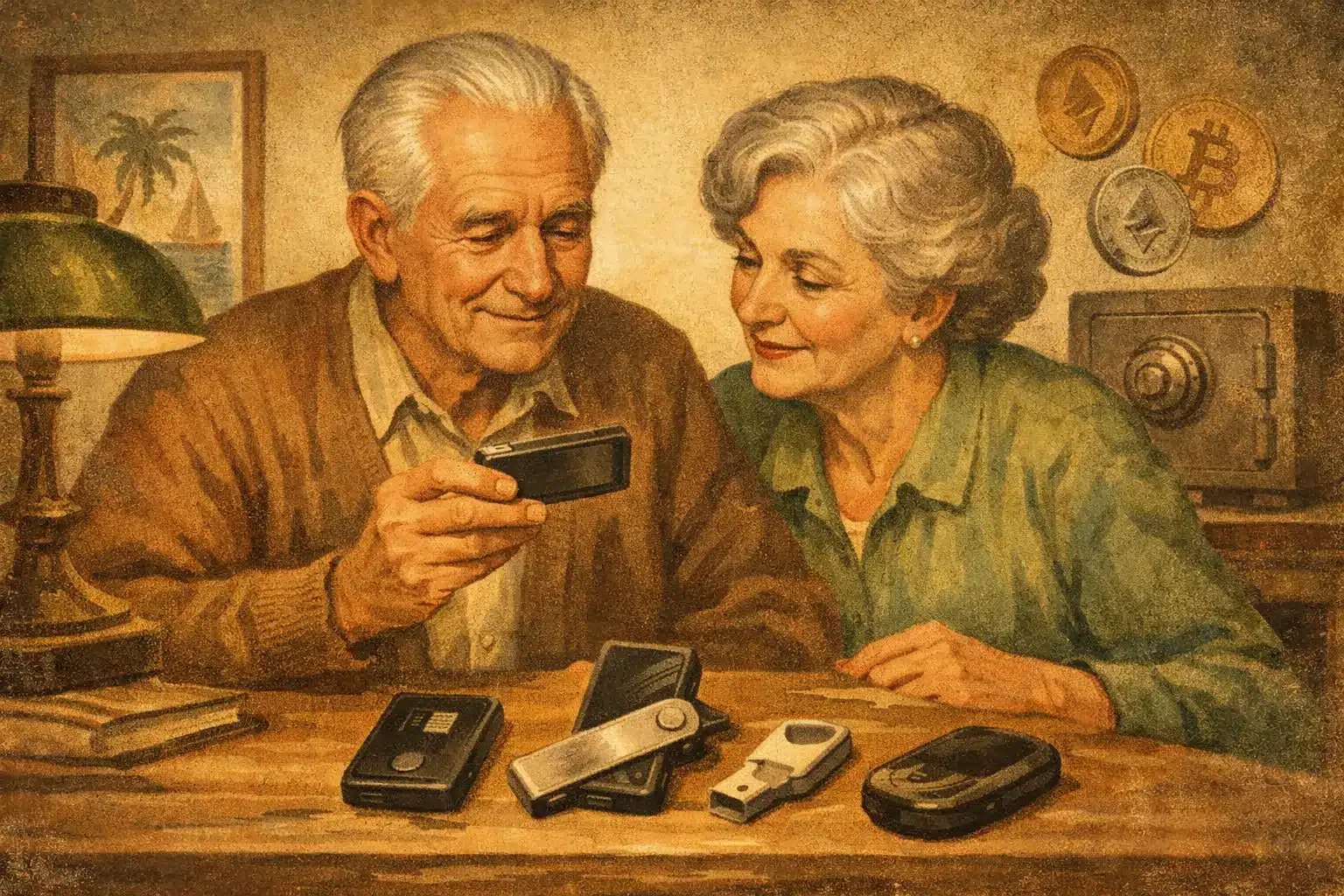
A hardware wallet should not feel like a puzzle. If you are over 45 and thinking about buying Bitcoin or already holding some crypto, the best hardware wallets seniors choose tend to have one thing in common – they make security feel manageable, not intimidating.
That matters because the wallet itself is only part of the job. You also need to feel calm using it, confident backing it up, and clear on what could go wrong if you rush the setup. A wallet with dozens of features is no help if the screen is tiny, the instructions are vague, or the recovery process feels stressful.
What makes the best hardware wallets seniors can actually use?
A hardware wallet is a small device that stores the private keys to your crypto offline. In plain English, it keeps the part that proves ownership away from your computer and mobile phone, which lowers the risk of online theft.
For older beginners, the best choice is rarely the most advanced device. It is usually the one with a clear screen, simple buttons or touch controls, easy backup steps, and a good reputation for safety. Price matters too, but not as much as ease of use. Saving a few pounds is not worth it if you end up confused during setup.
This is also where many beginners get tripped up. They focus on the coin list or the design and forget the basics: can you read the screen comfortably, can you follow the instructions without stress, and would a family member or trusted friend understand your backup plan if something happened to you?
If you are still getting your head around wallets, private keys and safe storage, it can help to start with the Free First Lesson: https://simplylearncrypto.com/free-lesson/. It explains the foundations in plain English before you spend money on any device.
7 best hardware wallets for seniors
1. Ledger Nano X
The Ledger Nano X is often a sensible middle ground. It is compact, widely used, and works with a broad range of cryptocurrencies. The mobile app is polished, which appeals to people who prefer using a mobile phone or tablet rather than a desktop computer.
Its main drawback is the small screen. If eyesight is a concern, confirming addresses on a tiny display can feel fiddly. Still, for someone who wants a trusted brand and does not mind learning a straightforward app, it remains a strong option.
2. Ledger Nano S Plus
This model is usually better for the budget-conscious buyer who still wants solid security. It gives you much of the same general experience as the Nano X, but without the wireless features.
That can actually be a positive for some seniors. Fewer extras can mean fewer distractions. The trade-off is convenience. If you want something simple for long-term holding rather than frequent access, this is worth considering.
3. Trezor Model T
The Trezor Model T is one of the friendliest options for beginners who want a more comfortable setup experience. Its touchscreen makes a real difference. Entering information directly on the device tends to feel more intuitive than pressing side buttons through tiny menus.
It does cost more, and not everyone needs that higher price point. But if ease of use is your priority, this is one of the most senior-friendly devices on the market.
4. Trezor Safe 3
If the Model T feels expensive, the Trezor Safe 3 can be a practical alternative. It keeps the Trezor reputation for beginner-friendly design while being more affordable.
You do lose the touchscreen, so the experience is less comfortable than the Model T. Even so, many people find the setup process clear and the software approachable. It is a good choice if you want a balance between cost and simplicity.
5. BitBox02
The BitBox02 is often appreciated by people who want a clean, minimal design. It has a straightforward feel and is particularly popular with Bitcoin-focused users, though it also supports other assets depending on the version.
This wallet suits someone who values simplicity and strong security but does not need lots of bells and whistles. The downside is that it can feel slightly less familiar to complete beginners than the better-known Ledger and Trezor devices.
6. Keystone
Keystone stands out because it is designed for air-gapped use, meaning it can stay isolated from direct cable or wireless connections in certain setups. That sounds technical, but the practical point is simple: some people like the extra separation from internet-connected devices.
For many seniors, though, this may be more security than they realistically need. It is useful if you are very security-conscious and willing to learn a slightly different workflow. If you just want something clear and simple, one of the more mainstream options may feel easier.
7. Ellipal Titan
The Ellipal Titan also focuses heavily on offline handling and has a larger screen than many entry-level devices. That larger display can be a genuine advantage if you dislike squinting at tiny text.
The trade-off is that its system can feel less familiar to complete beginners compared with Ledger or Trezor. Some people love the extra visual clarity, while others prefer a wallet with more widely known software and support materials.
Which wallet is easiest for older beginners?
If ease of use comes first, the Trezor Model T is probably the easiest pick for many older beginners, mainly because of the touchscreen. If budget matters more, the Trezor Safe 3 or Ledger Nano S Plus are often sensible starting points. If you want a larger screen and do not mind learning a slightly different process, the Ellipal Titan deserves a look.
That said, there is no single best choice for everyone. Someone comfortable with smartphones may get on very well with a Ledger Nano X. Someone who plans to buy only Bitcoin and hold it for years may prefer a more stripped-back device. Someone thinking about inheritance and family access may choose whichever device feels easiest to document and explain.
What seniors should check before buying any hardware wallet
Before you order anything, pause and think beyond the device itself. Ask where you will store the recovery phrase, whether you can read and verify addresses clearly, and whether you are likely to use the wallet often or only once every few months.
The recovery phrase is the part many people underestimate. This is the list of words that can restore your wallet if the device is lost, stolen or damaged. If anyone else gets hold of those words, they can access your crypto. If you lose them, you could lose access yourself. That means your backup process matters just as much as the device brand.
A sensible setup for many beginners is to write the recovery phrase down by hand, store it somewhere private and dry, and never photograph it or save it in your email. If that sounds basic, good. Basic is often safer.
If you want a calmer introduction to these safety steps, you can download your Free Bitcoin Guide here: https://simplylearncrypto.com/free-guide/. It is designed for beginners who want plain-English explanations rather than technical jargon.
Common mistakes to avoid
One common mistake is buying a wallet from an unofficial seller. Always buy direct from the manufacturer or a fully trusted source. If a device has been tampered with, your funds could be at risk before you even start.
Another mistake is rushing the setup. Many scams succeed because people are flustered, distracted or trying to do everything in one sitting. Set aside quiet time, read each screen carefully, and never let anyone pressure you into sharing your recovery phrase.
It is also wise to avoid chasing features you do not need. Some wallets are excellent for advanced users managing many assets, decentralised finance tools or regular transactions. But if your goal is safe long-term holding, simpler is often better.
A sensible way to choose
For most readers, the right question is not “Which wallet has the most features?” but “Which wallet am I most likely to use safely?” That usually points to a device with a clear setup process, easy-to-read screen, strong reputation, and backup steps you can carry out with confidence.
If you are nervous, that is normal. Crypto storage can feel like a big step, especially if you are thinking about retirement savings, legacy planning or simply protecting something you have worked hard to build. Start slowly. Learn the basics first. Then choose the wallet that feels understandable, not impressive.
If you would like to take the next gentle step, you can start with your Free First Lesson here: https://simplylearncrypto.com/free-lesson/
“This article is shared for entertainment and educational purposes only. It is not financial advice. Crypto investments involve risk, and past performance is not a guide to future results. Always do your own research or speak to a qualified financial advisor before making any investment decisions.”
